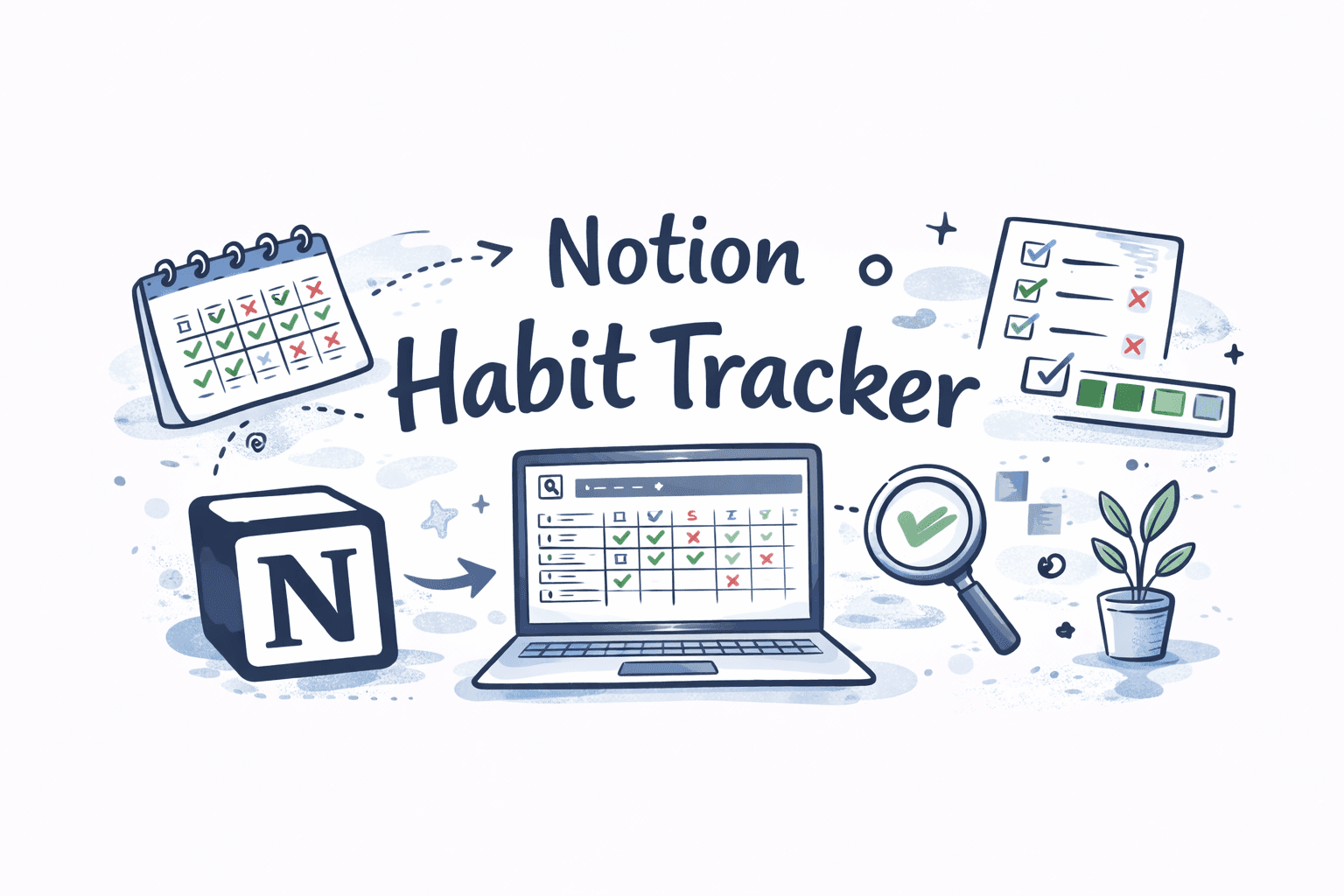
Notion Habit Tracker: Complete Setup Guide + Best Free Templates
Notion has become the productivity tool of choice for a generation of people who want one place for everything — notes, projects, goals, and yes, habit tracking.
If you're already living inside Notion, building your habit tracker there makes complete sense. Your habits sit alongside your goals, your weekly review, your journal, and your task list. Everything connects. Everything is yours.
This guide walks you through building a fully functional Notion habit tracker from scratch — step by step — plus the best free templates if you'd rather skip the setup and start tracking today. And if you've tried Notion for habits before and found it too clunky for daily use, we'll cover that too.
Why Notion Works for Habit Tracking
Notion's database system is what makes it genuinely powerful for habit tracking — more powerful than a simple checklist or spreadsheet. With the right setup, you can filter habits by week, view your monthly completion rate, tag habits by category, link your habits to your broader goals, and build a weekly review system that ties everything together.
The trade-off is setup time and daily friction. Notion is built for depth, not speed. But for the right kind of person — someone who already spends time in Notion, loves customization, and wants their habits embedded in their productivity system — that trade-off is worth it.
Method 1 — The Simple Checkbox Tracker (Beginner-Friendly)
If you're new to Notion or want to get tracking today without spending hours on setup, start here. This method takes about five minutes and requires no database knowledge.
Step 1: Create a new Notion page titled "Habit Tracker — [Month] [Year]."
Step 2: Add a header for each week of the month (Week 1, Week 2, etc.).
Step 3: Under each week, create a simple table with two columns — "Habit" and one column per day of the week (Mon through Sun).
Step 4: In each day column, use Notion's checkbox property. Check the box when the habit is complete, leave it unchecked when it isn't.
Step 5: At the end of each week, add a quick note below the table — what went well, what got in the way, what you'll adjust next week.
This method is clean, fast, and completely visual. The limitation is that it has no automatic calculations or filtering — you're looking at checkboxes, not data. But for tracking three to five habits over a single month, it's perfectly effective and requires zero technical knowledge.
Method 2 — The Notion Database Tracker (Full Power)
This is the method worth building if you want Notion to be your long-term habit tracking system. It takes 20–30 minutes to set up but gives you filtering, formula-based completion rates, calendar views, and a system that scales as your habits grow.
Step 1 — Create your Habits database
Create a new Notion page called "Habit System." Inside it, create a new database (full page) titled "Daily Habits Log."
Add the following properties to your database: Name (default — this will be the date), and then one checkbox property per habit. For example: Morning Walk, Read 10 Pages, No Phone Before 9 AM, Journal, Drink 2L Water. Each habit gets its own checkbox column.
Step 2 — Create a new entry for each day
Each row in your database represents one day. Name each entry by date (e.g., "March 6, 2026"). At the end of each day, open that entry and check off the habits you completed.
To make this faster, create a template for new entries: click the dropdown arrow next to the blue "New" button, select "New template," pre-name it "Daily Entry," and add a reminder to fill it in each evening. Now every new day's entry is one click away.
Step 3 — Add a completion formula
Add a new property called "Score." Set the type to Formula and enter:
(toNumber(prop("Morning Walk")) + toNumber(prop("Read 10 Pages")) + toNumber(prop("Journal")) + toNumber(prop("Drink 2L Water")) + toNumber(prop("No Phone Before 9 AM"))) / 5
Replace the habit names with your exact property names and adjust the divisor to match your number of habits. This gives each day a score from 0 to 1 — format it as a percentage by adding * 100 at the end and labeling the column "Daily %."
Step 4 — Add a weekly average formula
For weekly summaries, create a separate linked database or a rollup property that averages your Daily % scores across a week. This requires a relation property linking each entry to a "Weeks" database — slightly advanced, but Notion's official documentation walks through relations and rollups clearly.
Step 5 — Set up multiple views
This is where Notion earns its reputation. With your database built, add the following views:
Table view — Your default day-by-day log. Sort by date descending so the most recent entry is always at the top.
Calendar view — Switch to calendar and set the display property to "Daily %." Now you see your habit completion rate mapped onto a calendar — a genuinely satisfying visual that makes your monthly consistency impossible to ignore.
Gallery view — Set card preview to your completion score. A visual grid of daily cards, color-coded by completion. Aesthetically satisfying and great for monthly reviews.
Filter view (This Week) — Add a filter showing only entries from the current week. This becomes your working view for daily tracking — only today and this week's entries, no clutter from past months.
Best Free Notion Habit Tracker Templates
If building from scratch feels like too much right now, these free templates give you a fully functional system in minutes.
Thomas Frank's Habit Tracker — One of the most downloaded Notion templates online. Clean database structure, weekly views, and a monthly summary built in. Available free at thomasjfrank.com/templates. Thomas Frank is a productivity YouTuber with deep Notion expertise — his templates are genuinely well-built.

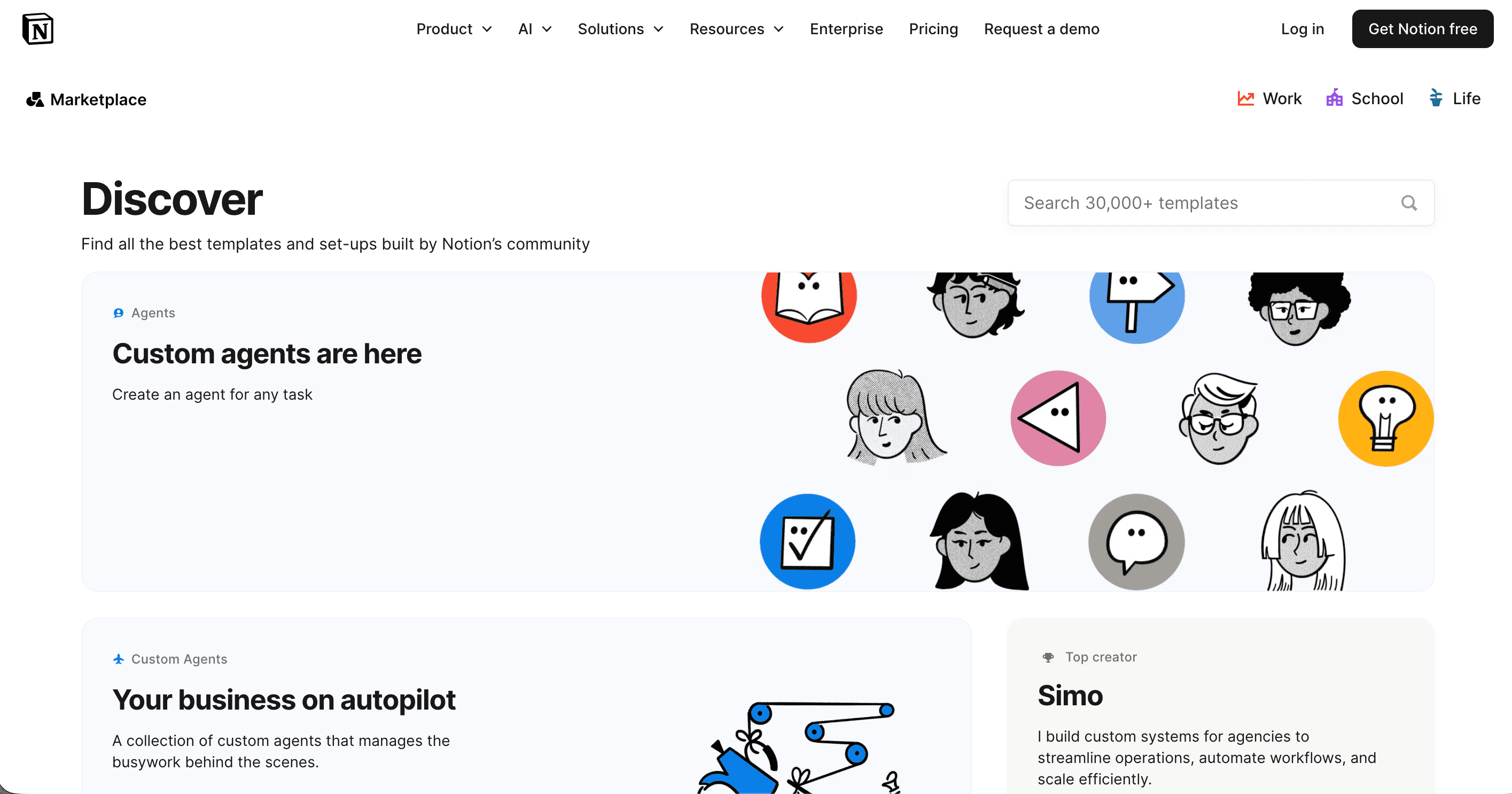
Notion's Own Template Gallery — Notion's official template gallery at notion.com/templates has a dedicated habit tracker section. Filter by "Personal" and "Health & Wellness." The official templates are well-maintained and designed for current Notion features.
Easlo's Habit Tracker — A beautifully designed free template from Notion creator Easlo, available at easlo.gumroad.com. Includes daily tracking, weekly review prompts, and a monthly heatmap view. One of the most visually polished free options available.
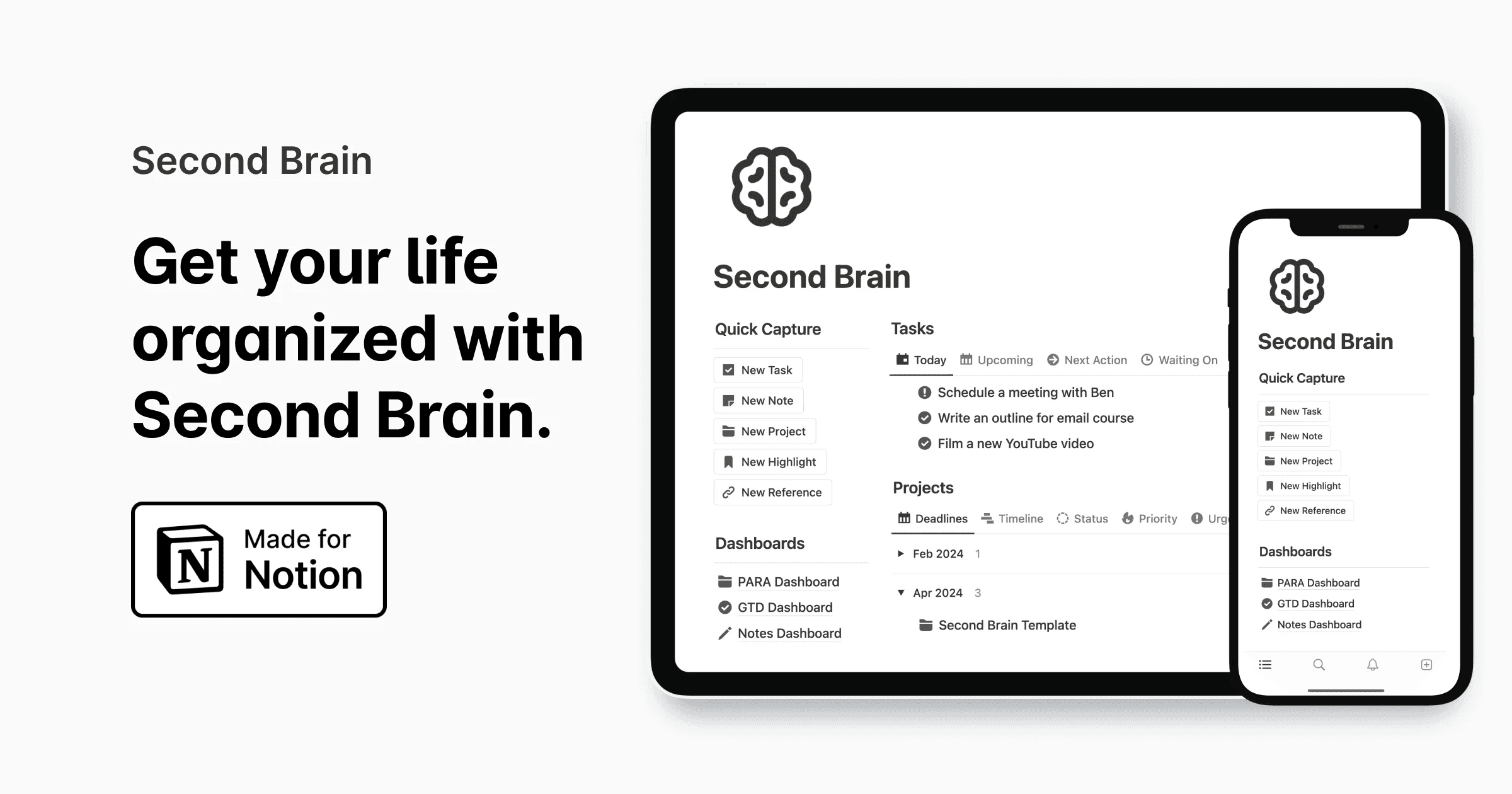
Red Gregory's Habit Dashboard — A more advanced template for people who want their habits connected to goals, projects, and journal entries. Available free at redgregory.notion.site. Best for people who want a full second-brain system rather than a standalone tracker.
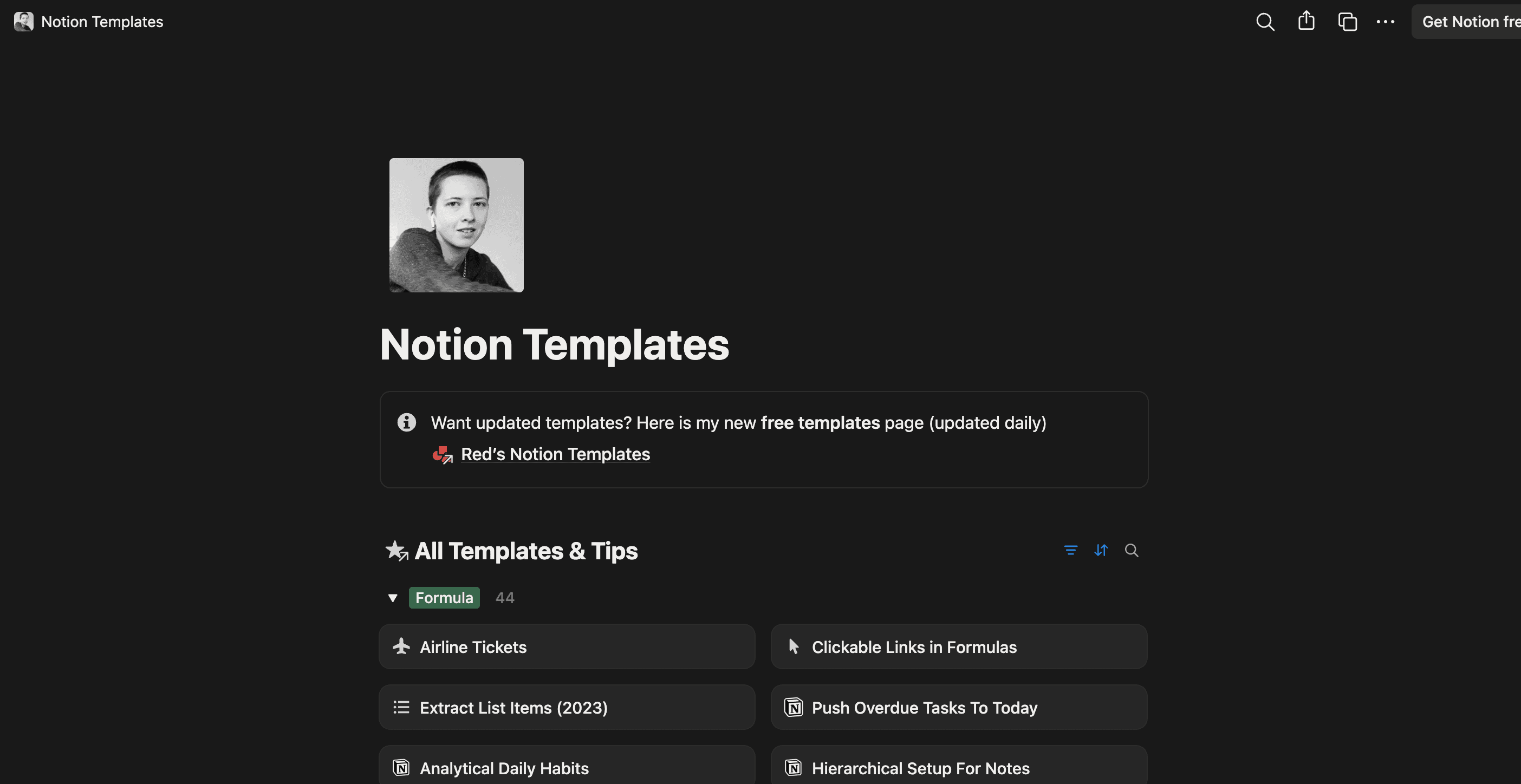
To duplicate any template into your Notion workspace: open the template link, click "Duplicate" in the top right corner, and select your workspace. The entire system copies into your account in seconds.
Tips for Making Your Notion Habit Tracker Actually Stick
Make your daily entry one click away. Add your Daily Habits Log to your Notion sidebar favorites. Better yet, set it as your Notion homepage so it's the first thing you see when you open the app. The faster you can reach your tracker, the more likely you are to use it.
Use if-then planning for your daily log-in. The biggest failure mode for Notion habit trackers is forgetting to open them. Create a specific trigger: "If it's 9 PM, then I'll open Notion and fill in today's entry." As we covered in our guide to if-then planning, pairing a behavior with a specific time cue triples your follow-through rate.
Keep it to five habits maximum. Notion makes it tempting to over-engineer. You can add 20 habit columns, link to goal databases, build progress charts — and then never actually use it because it's too complex. Start with three to five habits. Add more only once the tracking habit itself is automatic.
Do a weekly review every Sunday. Notion's strength is reflection, not just logging. Schedule 10 minutes each Sunday to review the past week's completion rates, identify patterns, and set one intention for the coming week. This turns raw habit data into genuine behavioral insight.
Pair Notion with a phone reminder. Notion's mobile app doesn't send habit reminders. Fill that gap with a simple phone alarm at your chosen check-in time — labeled "Log habits in Notion" — until the behavior becomes automatic on its own.
The Honest Limitation of Notion for Habit Tracking
Notion is a phenomenal tool. But for pure daily habit tracking, it has one fundamental problem: it was built for documents and databases, not for the frictionless 3-second daily check-in that habit tracking actually requires.
Opening Notion, navigating to your database, finding today's entry, and checking off each habit takes anywhere from 30 seconds to two minutes — especially on mobile. Over the course of a year, that friction compounds significantly. And on your hardest days, when you're tired and just want to go to sleep, that friction is often exactly what stands between you and logging your habits.
This is why many dedicated Notion users eventually keep Notion for their weekly reviews and goal tracking — where depth is genuinely valuable — and switch to a dedicated habit tracker app for their daily check-ins.
The split system actually works beautifully: log your habits daily in a fast, frictionless app, then pull your weekly data into Notion for reflection and planning. You get Notion's depth for thinking and a dedicated app's speed for doing.
When a Dedicated App Makes More Sense
If any of these sound familiar, you're probably ready for a dedicated habit tracker alongside or instead of Notion:
You've built a Notion habit tracker more than once and stopped using it within a few weeks. You find yourself logging habits in batches every few days instead of daily. You want reminders that actually reach you. You track habits primarily on your phone and find Notion mobile too slow. You want to focus on consistency, not system design.
Kabit is the simplest answer to all of these. It's free, it's built specifically for daily habit tracking, and the check-in takes under five seconds. No setup, no database properties, no template to duplicate — just open the app, tap done, and close it.
Build your Notion system if that's where your productivity life lives. And track your daily habits at kabitapp.com when you want something that works every single day without thinking about it.

Learn more
Discover more from the latest posts.